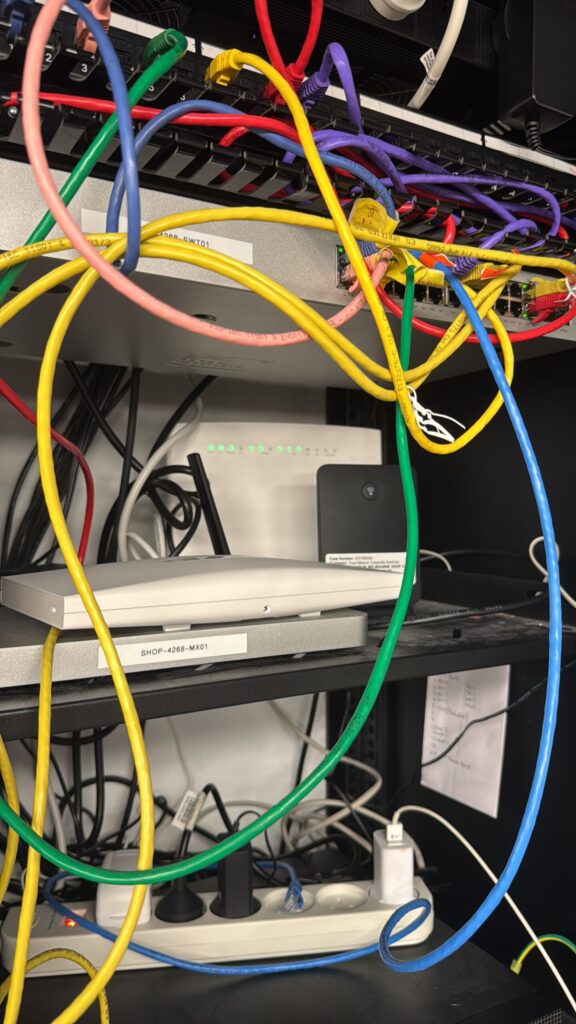
The NBN speed test in the lounge room is fine, but the back bedroom drops video calls and the home office at the end of the house buffers every evening. Dead spots are the most common Wi-Fi complaint we get across Bentleigh East and bayside Melbourne, and the fix is rarely a faster plan. Here is what is actually going on in a typical house and what fixes it, in the order we would try them onsite.
Why dead spots happen
Wi-Fi is radio, and the houses around here are hard on it. Double brick, rendered walls, foil insulation, a ducted heating unit in the roof and a fridge or hot-water service in the line of sight all soak up signal. The 5 GHz band that gives you speed has the shortest reach; the 2.4 GHz band travels further but is slower and crowded by neighbours and microwaves. Then there is placement: an NBN modem pushed into a cupboard at the front of the house because that is where the phone point was. Every wall between the router and your laptop costs you, and after two or three brick walls there is little left.
What to try before spending anything
- Move the router out of the cupboard and off the floor, ideally central and up high. Even a metre makes a difference.
- Restart the modem and router. A weekly reboot fixes a surprising number of slow-Wi-Fi complaints.
- Log in to the router and give the 2.4 GHz and 5 GHz bands different names so you can pick the band that works in each room, or let band steering do it if the router is decent.
- Change the 2.4 GHz channel to 1, 6 or 11 if a neighbour is sitting on top of yours.
- Update the router firmware. Provider-supplied routers often ship with old software.
- Check the device too. A laptop with an old Wi-Fi driver or a phone in a case that blocks the antenna can be the real culprit.
Fixes that work, and ones that do not
Plug-in Wi-Fi extenders are cheap and tempting, but they halve the speed of whatever they repeat and create a second network name that devices cling to after you have walked away from it. We rarely recommend them. A mesh system, two or three units that hand devices between them, is the right answer for most single-storey homes with brick walls, and it is what we install most. Powerline adapters work in some houses and not others depending on the wiring. The best fix of all is a network cable run to the far end of the house with a second access point on it; the dead spot disappears completely and the speed is full.
How we fix it onsite
We walk the house with a signal analyser and map where the coverage falls off, look at what sits between the router and the problem rooms, and check the NBN modem’s connection type and speed at the source so we are not chasing a Wi-Fi problem that is really a line fault. Then we recommend one of three things: reposition and reconfigure what you have, add a mesh system placed properly (where the signal says, not where the box says), or run a cable and access point. We set it up, name the networks sensibly, connect your devices and show you how to check it. See our network, NBN and Wi-Fi page for the full list of what we do.
Cost and time in general terms
A reposition-and-configure visit is the cheapest option and is often enough. Mesh systems add the cost of the hardware, which varies with the number of units. A cabled access point costs more up front but is the one you never revisit. Most jobs are a single visit of one to two hours. Our onsite tech support page explains how a visit works.
When to call
If you have moved the router and still lose signal in two or more rooms, if video calls drop in the home office, or if you are about to install security cameras or a smart TV at the far end of the house, call us before buying hardware. Some settings problems we can also sort through remote support, if the problem is in the router rather than the walls.
Frequently asked questions
Will a faster NBN plan fix my dead spots?
No. The plan sets the speed arriving at the modem; a dead spot is about the signal reaching your room. Fix coverage first.
Mesh or extender?
Mesh, almost always. Extenders halve speed and cause device hand-off problems.
Can you run cables in a rented house?
Surface-mounted runs and a cable under a door are usually fine; drilling needs the owner’s permission. Mesh is the no-drill option.
Do I need a new router?
Only if yours is more than five or six years old or lacks 5 GHz. Often placement and settings are the problem, not the router.
Geeks 24×7 provides onsite and remote IT support across Bentleigh East and bayside Melbourne, 7 days from 5am to 11pm. Call or text 0421 388 876 and we will book a time that suits you. More tips are on our tech tips page.