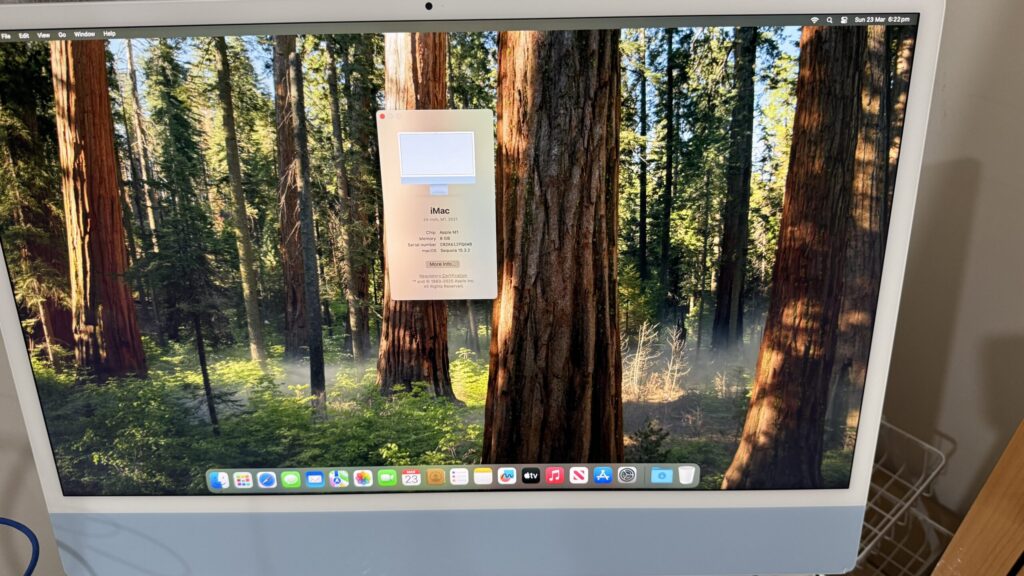
Half of the problems that reach Geeks 24×7 never need a van in the driveway. Email that has stopped syncing, a printer that will not install, a Windows update stuck in a loop, a Mac that needs a clean-up: these are fixed in a remote session while you watch. The same technology is also what scammers use when they ring claiming to be from a big-name company, so people are rightly wary. This guide explains what a legitimate remote session looks like, what it can and cannot do, and how to stay safe.
What actually happens in a remote session
It starts with you contacting us, never the other way around. We agree a time, you describe the problem, and we send a link or a short code. Opening it runs a small support program that shows your screen to the technician and lets them move the mouse and keyboard. You see everything they do, in real time, and you can take the mouse back or end the session at any moment by closing the window. When the job is done the connection is ended from both sides and the program does not keep running in the background unless you have asked us for ongoing managed IT support, in which case a monitoring agent is installed with your written agreement.
What remote support can fix
- Email setup and migration, including Outlook, Gmail and Microsoft 365 accounts that will not sign in or sync.
- Printer and scanner installation, including shared printers in a small office.
- Windows and macOS updates that fail, slow start-up, and general clean-ups.
- Virus and scam-software removal, provided the computer still starts and connects.
- Software installation and licensing, backup setup, cloud storage and password-manager setup.
- Wi-Fi and network settings, where the connection is at least partly working.
What it cannot fix
Anything physical. A computer that will not turn on, a cracked screen, a failed hard drive or a modem that is dead has to be looked at in person; our onsite tech support covers Bentleigh East and bayside Melbourne for exactly those jobs, and our computer repair service handles the bench work. Remote also struggles when the internet itself is the problem, since the session needs a connection to exist. In those cases we will say so on the phone rather than charge for a session that cannot help.
How to tell real support from a scam
This is the part that matters most. The remote tools are the same; the behaviour is completely different.
- A legitimate session only happens because you asked for it. Nobody reputable cold-calls to say your computer has a virus, your NBN is infected or your bank account is being hacked.
- We never ask you to log in to your bank, read out a code from your phone, buy gift cards or install an app on your phone during a session.
- Real support uses a session that you can see and end. Scammers often blank the screen, ask you to look away, or install a second hidden tool.
- A technician explains what they are doing and why. Pressure, urgency and threats are the signature of a scam.
- You pay an agreed price afterwards by normal invoice. Anyone demanding payment mid-session, or offering a refund that needs your banking details, is not support.
If you have already let someone in and now suspect it was a scam, disconnect the computer from the internet, do not pay anything further, and call us. We can check what was installed and secure your accounts.
Cost and time in general terms
Most remote jobs take between twenty minutes and an hour and are charged at a lower rate than an onsite visit because there is no travel. If a problem turns out to need a visit, the remote time is counted towards the onsite job rather than charged twice. We work seven days from early morning until late evening, which suits people who can only sit at the computer after work.
When to book a remote session
Book remote when the computer starts, connects to the internet and the problem is software, settings or accounts. Book onsite when something is physically broken, when several devices or a network are involved, or when you would simply prefer someone in the room. If you are not sure, ring us and describe it; we will tell you which is the better option. Our remote support page has the details of how to start a session.
Frequently asked questions
Can the technician see my files and passwords?
They see what is on the screen while connected and nothing after. We do not browse personal folders, and if a password is needed you type it yourself with the screen share paused.
Does remote support work on a Mac?
Yes. macOS asks you to grant screen recording and accessibility permission the first time, which is normal and is removed when the session ends.
What if my internet is too slow?
A basic NBN connection is plenty. If the connection drops repeatedly, that is a sign the network itself needs attention and an onsite visit is the better call.
Do you need my Microsoft or Apple password?
Rarely, and never over the phone. If an account needs signing in, you do it on your own keyboard while we wait.
Geeks 24×7 provides onsite and remote IT support across Bentleigh East and bayside Melbourne, seven days from 5am to 11pm. Call or text 0421 388 876 and we will have a session running within minutes if remote is the right fit.